
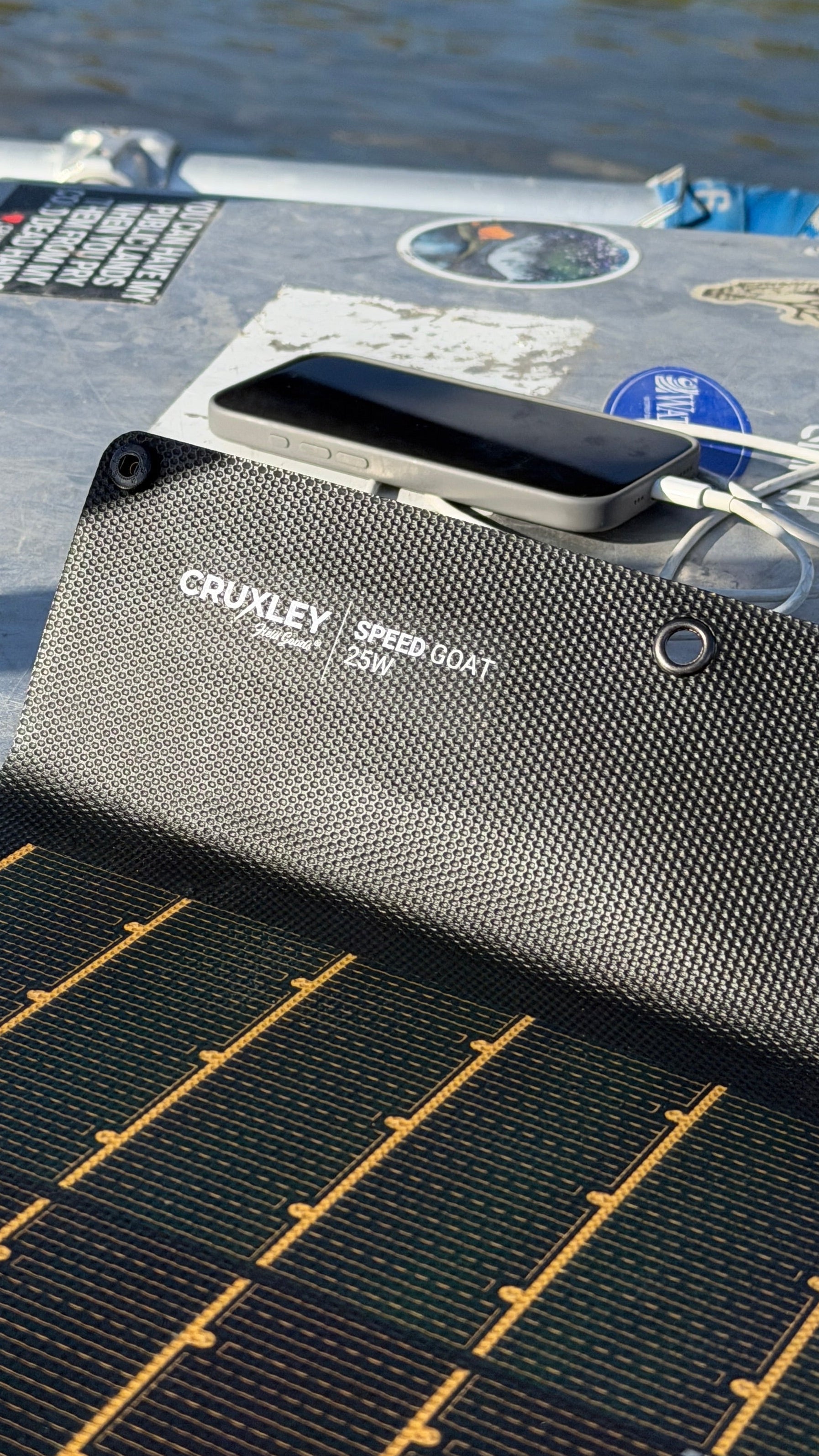
Solar Charging and USB Charging Protocols, Explained Without the Headache
We've all been there.
You plug your phone into a charger that's supposed to be "100W fast charging," only to find it's barely keeping up. So you swap cables, try a different port, and suddenly everything works.
What changed?
Despite what the marketing on the box might suggest, charging speed isn't determined by a single device. It's the result of three pieces of gear working together.
If one falls behind, everything slows down.
Fast Charging Is a Team Effort
Think of charging like a conversation between three people:
- The power source (your wall charger, power bank, or solar setup)
- The cable
- The device you're charging
Before any serious power starts flowing, they negotiate.
Your device asks how much power is available. The charger responds with what it can provide. The cable confirms what it's safely rated to carry.
Only when all three agree does charging begin.
If one of them can't keep up, the whole system automatically slows down.
Field Note: Your charging setup is only as fast as its weakest link.
Why There Are So Many Charging Standards
USB wasn't originally designed for charging laptops, drones, cameras, and phones. It was designed to connect peripherals like keyboards and printers.
As devices became more power hungry, manufacturers developed faster ways to move electricity—and not everyone agreed on how to do it.
The result is a handful of different charging protocols. Some have become industry standards. Others are designed specifically for certain brands.
Fortunately, you don't need to memorize all of them.
USB Power Delivery (USB-PD)
If there's one charging standard worth knowing, it's USB Power Delivery.
USB-PD has become the common language for modern electronics and is used by many of today's most popular devices, including:
- MacBooks
- iPads
- iPhones
- Many Windows laptops
- Google Pixel phones
- DJI drones
- Nintendo Switch
- Steam Deck
- Countless cameras and accessories
Unlike older USB chargers that only delivered a fixed amount of power, USB-PD can intelligently adjust both voltage and current depending on what the connected device needs.
That's why one USB-C cable can charge everything from a pair of earbuds to a laptop.
PPS: The Smarter Version of Fast Charging
You'll sometimes see another term alongside USB-PD: PPS, or Programmable Power Supply.
Instead of switching between a few fixed voltage levels, PPS makes tiny adjustments in real time.
The result is less heat, better efficiency, and often faster charging—especially for newer Samsung phones.
If your charger doesn't support PPS, your device will usually still charge just fine. It just might not reach its fastest advertised speed.
What About Quick Charge?
Before USB Power Delivery became the industry standard, Qualcomm introduced Quick Charge for Android phones.
You'll still find Quick Charge on many older devices, and newer versions work alongside USB-PD reasonably well.
For most people, though, USB-PD has become the standard that matters most.
The Cable Matters More Than Most People Realize
This is probably the biggest source of confusion.
A USB-C connector only tells you the shape of the plug. It doesn't tell you what the cable can actually do.
Two USB-C cables can look identical while performing very differently.
One may be limited to 60 watts.
Another may safely carry 240 watts while also supporting high-speed data and video.
From the outside, there's no obvious difference.
Field Note: Just because two cables look the same doesn't mean they perform the same. If your cable is from a cheap device, the cable is likely cheap too (read: it won't handle PD charging).
Why Isn't My 100W Charger Charging at 100W?
Imagine this setup:
- A 100W charger
- A laptop that supports 100W charging
- A cable rated for only 60W
Even though both the charger and laptop can handle 100 watts, the cable becomes the limiting factor.
The system automatically reduces charging to what the cable can safely deliver.
Nothing is broken.
It's simply doing exactly what it was designed to do.
What This Means in the Field
Whether you're charging a camera battery after a day on the trail or topping off your laptop from a solar panel at camp, the goal isn't chasing the highest number printed on the box.
It's building a charging system where every component speaks the same language.
When your charger, cable, and device all support modern USB Power Delivery—and, where appropriate, PPS—you'll get the fastest, safest charging your equipment is capable of.
And that's one less thing to think about when you're miles from the nearest outlet.
Quick Takeaways
- Charging speed depends on your charger, cable, and device—not just one of them.
- USB Power Delivery (USB-PD) is the modern standard for fast charging.
- PPS offers even smarter charging for some newer devices.
- USB-C describes the connector, not the cable's capabilities.
- If one component in your charging setup has a lower rating, the entire system slows down to match it.
- Choosing quality cables is just as important as choosing a quality charger.